Shader Archive Final Week
This is it! This is the End!
Welcome to my final Blog-Post for STUGA2.
Even though it will be hard to make a Blog-Post that is better than the last one, I will still try my best. Enjoy reading!
What changed? What did I do?
To keep it short, I did a lot.
No seriously, I added a whole new room and filled it with Shaders and VFX, so in total we got 2 rooms now! Isn’t that awesome?
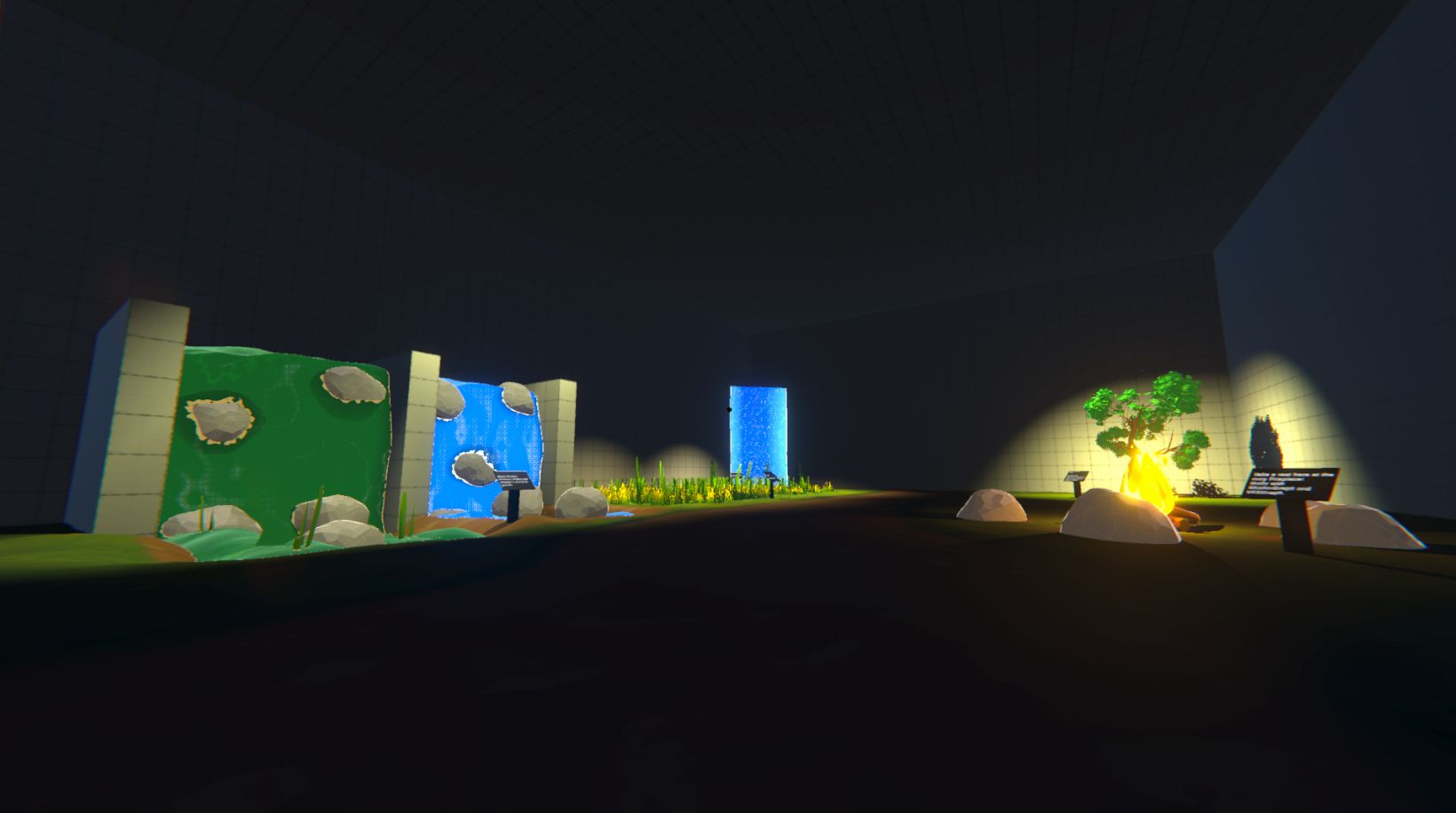
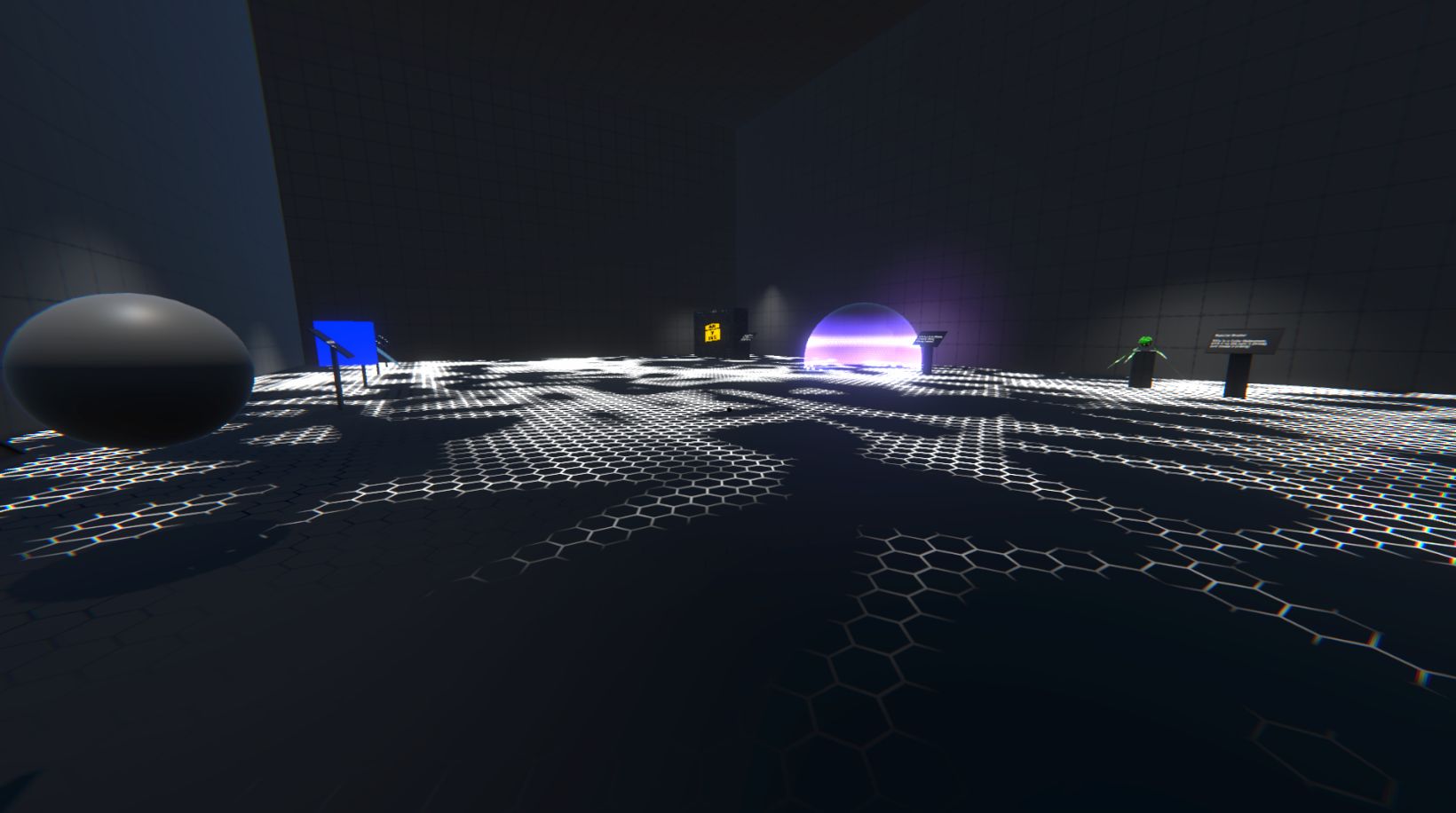
But lets break it down, what’s new?
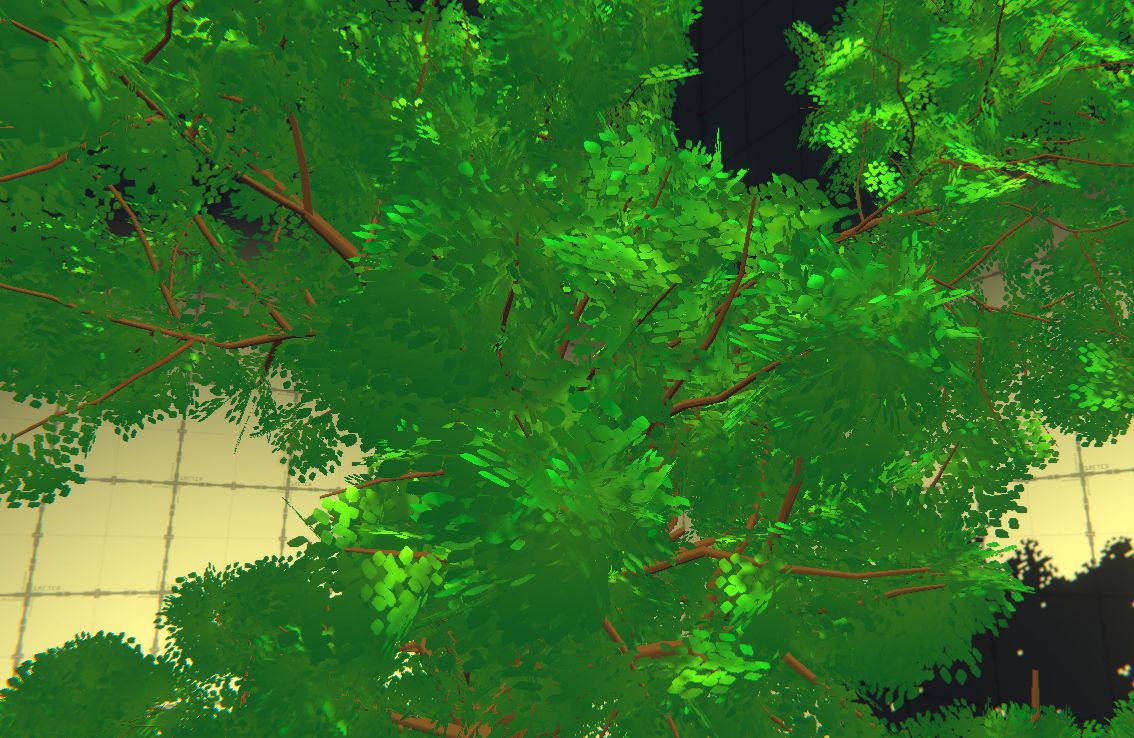
Tree (Created with SpeedTree)
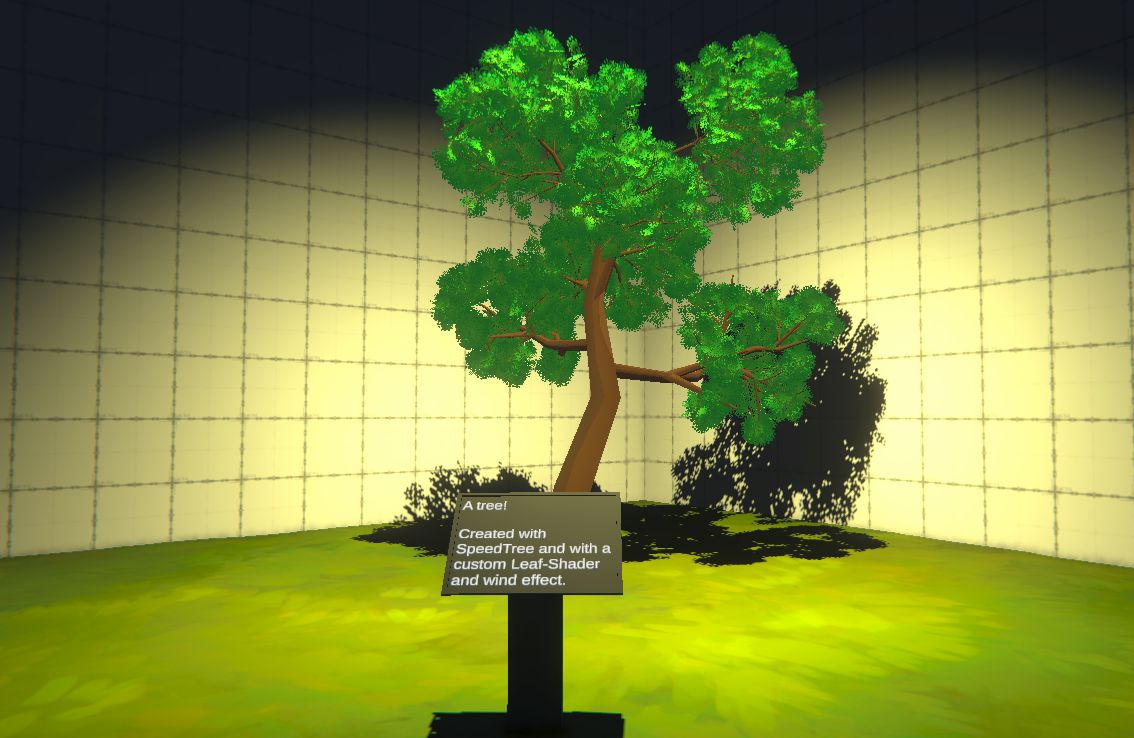
I took a short deep-dive into a new Software called „SpeedTree“. With the help of 1 or 2 Youtube-Tutorials I understood how you go about creating your own tree. I also learned a bit about how AAA-Games or just games with larger landscapes create foliage and optimize said assets.
On top of creating my own tree, I played around with wind-simulations, only to find out I will not have enough time to optimized these assets. So simple solution, I created my own Wind-Shader (Vertex-Shader) and slapped that on my leafs, and it works!
Speaking of leafs, I took a more Toon-y approach to stylizing those, as they are basically just points layered on top of each other with color variation, also created with a Shader.
SteelBall
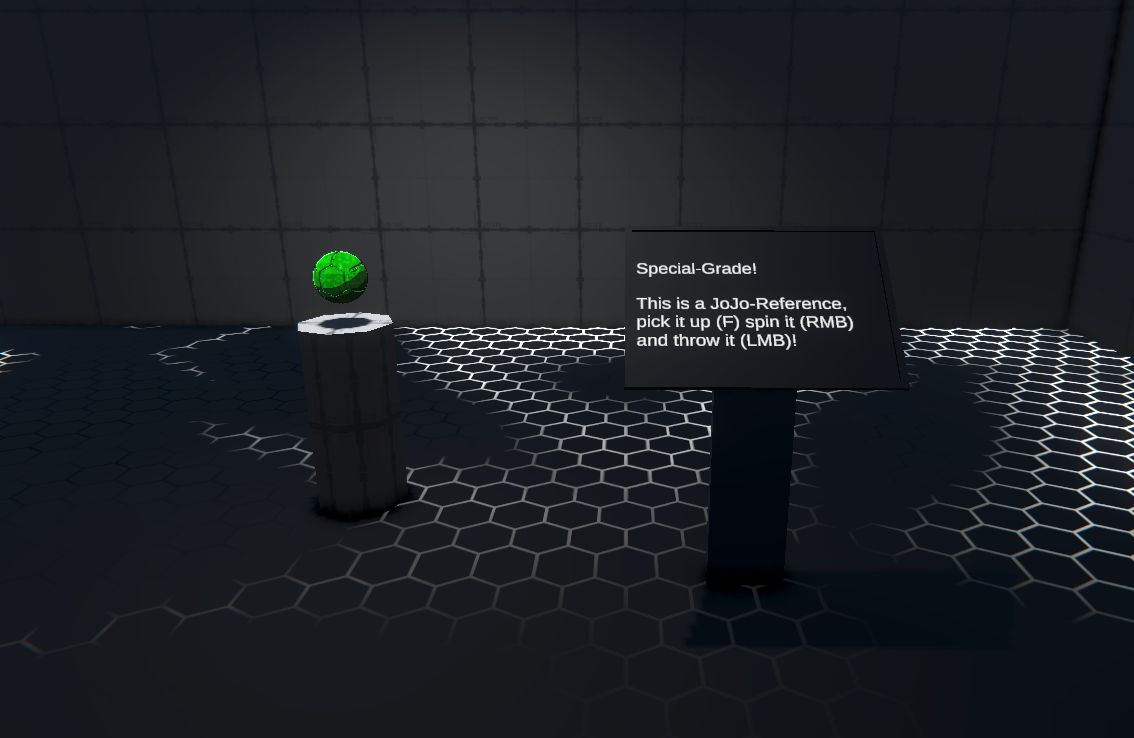
Now, you might be thinking, I already know this you showed me this in the last Blog-Post but don’t be fooled, the SteelBall has been upgraded and looks better than ever! The visual appearance has been enhanced with some VFX (Trails, Particles etc.) and it works beautifully with the little Animations and Post-Processing of the game.
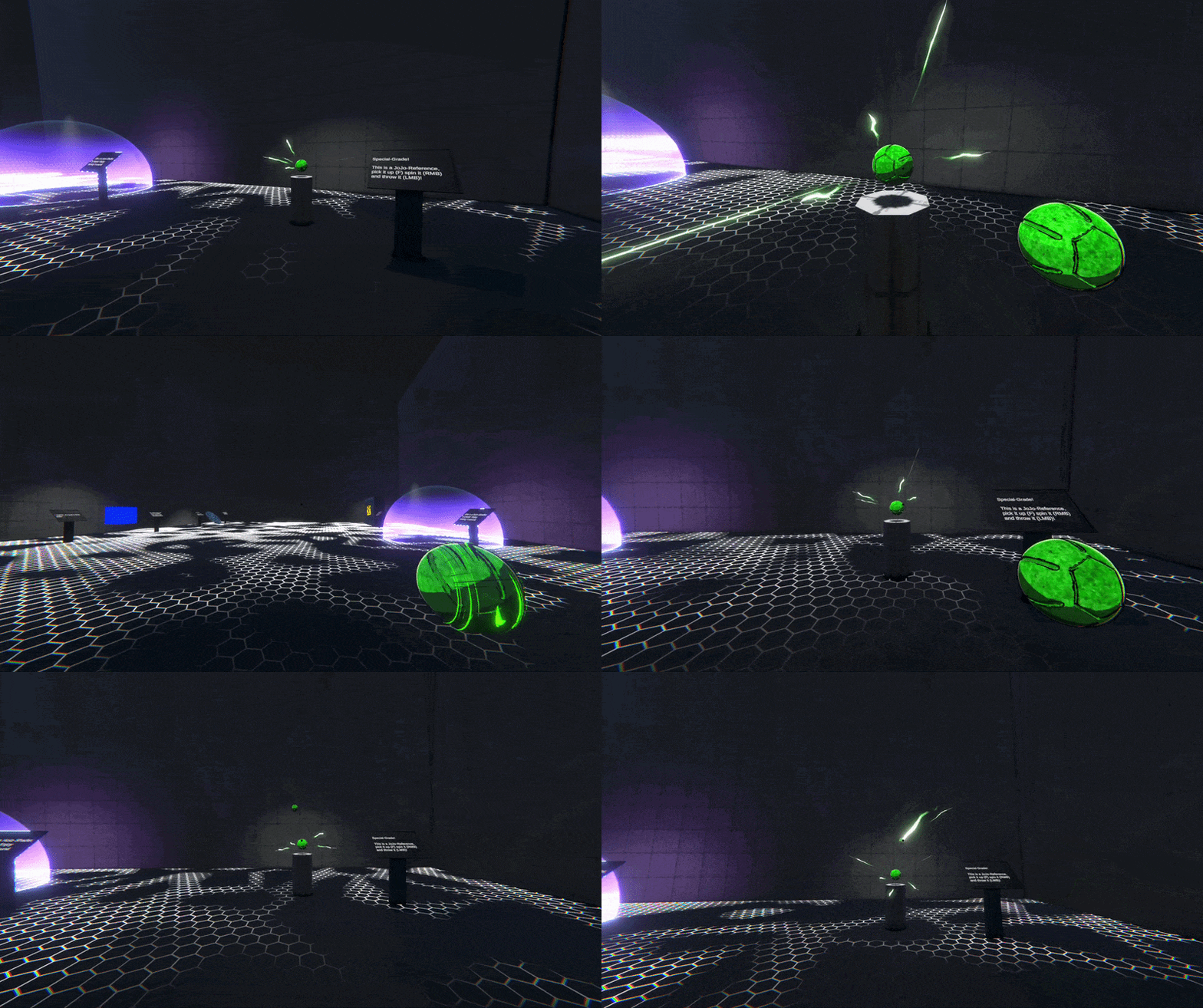
Awesome, right?!
Anyways lets continue.
PowerWash
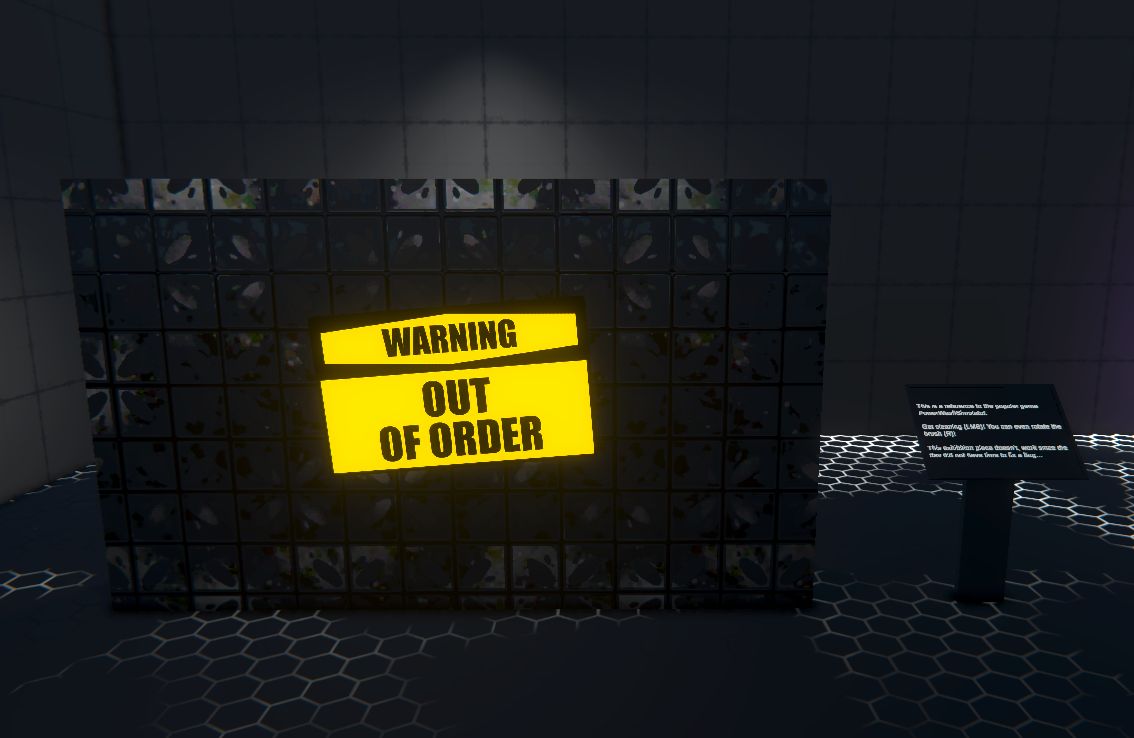
You might be disturbed to see the „Out of order“ sign on this one… *sigh* well I did not have time to fix a certain bug, which prevents this Shader / Piece to work in the built version of the game, but it works perfectly in the editor! See below.
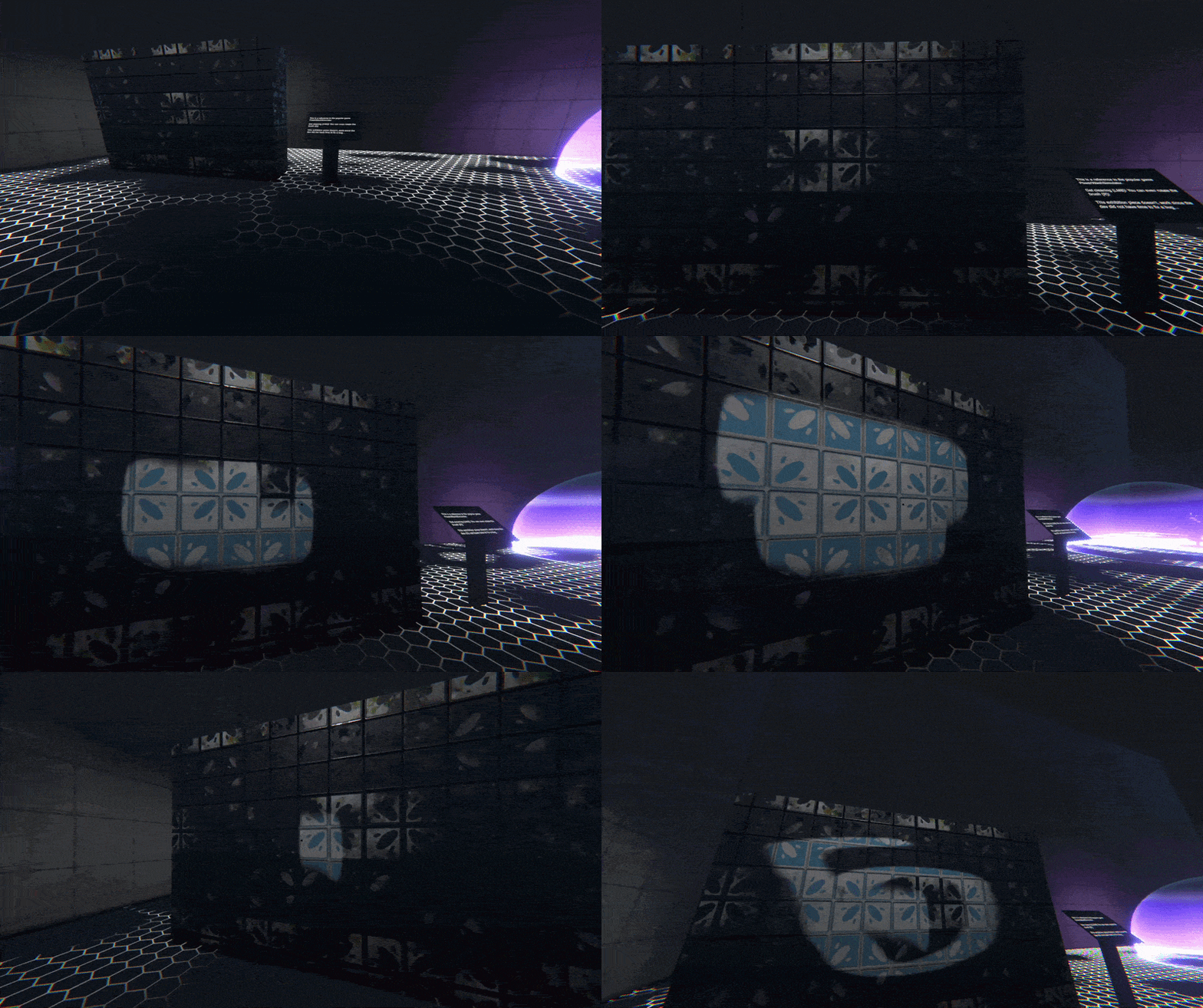
This is a Shader which allows for dynamic texture painting in real-time, pretty awesome huh? It is directly inspired by the game „PowerWash Simulator“, I was really interesting in learning how the game specifically solved this problem and found some really good resources on this.
Ice-Shader
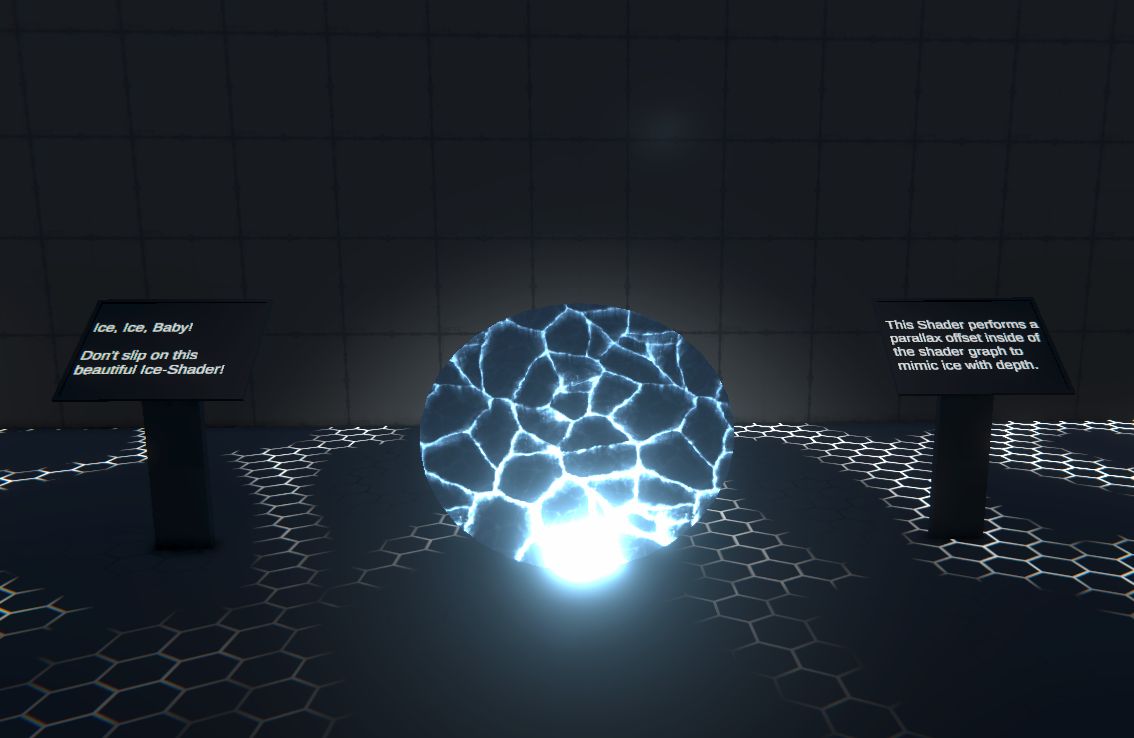
This Shader performs a parallax-offset, like you would see it in the background of some games (looking at you M.O.N.O.S). It uses this technique to offset the cracks inside the material depending on the angle at which the camera / player is looking at it, creating a realistic look similar to ice surfaces.
Blue Cube
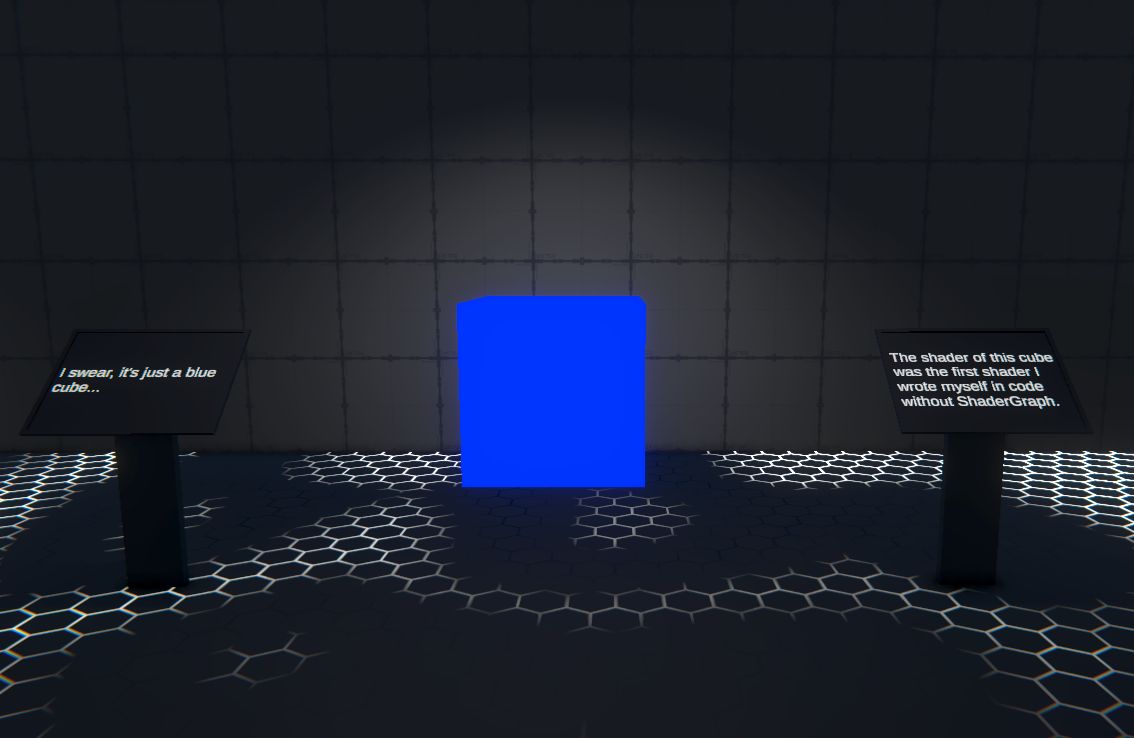
It’s just a blue cube…. I swear!
No really, this shader might not look too crazy visually, but it is the first shader I programmed myself with HLSL / ShaderLab, which gave me a lot of insight on how Shaders work in Unity and what possibilities coded Shaders have. You basically have full control over what happens and the code itself contains a minimal amount of lines compared to what ShaderGraph generates for the created Shaders.
Holo-Shader
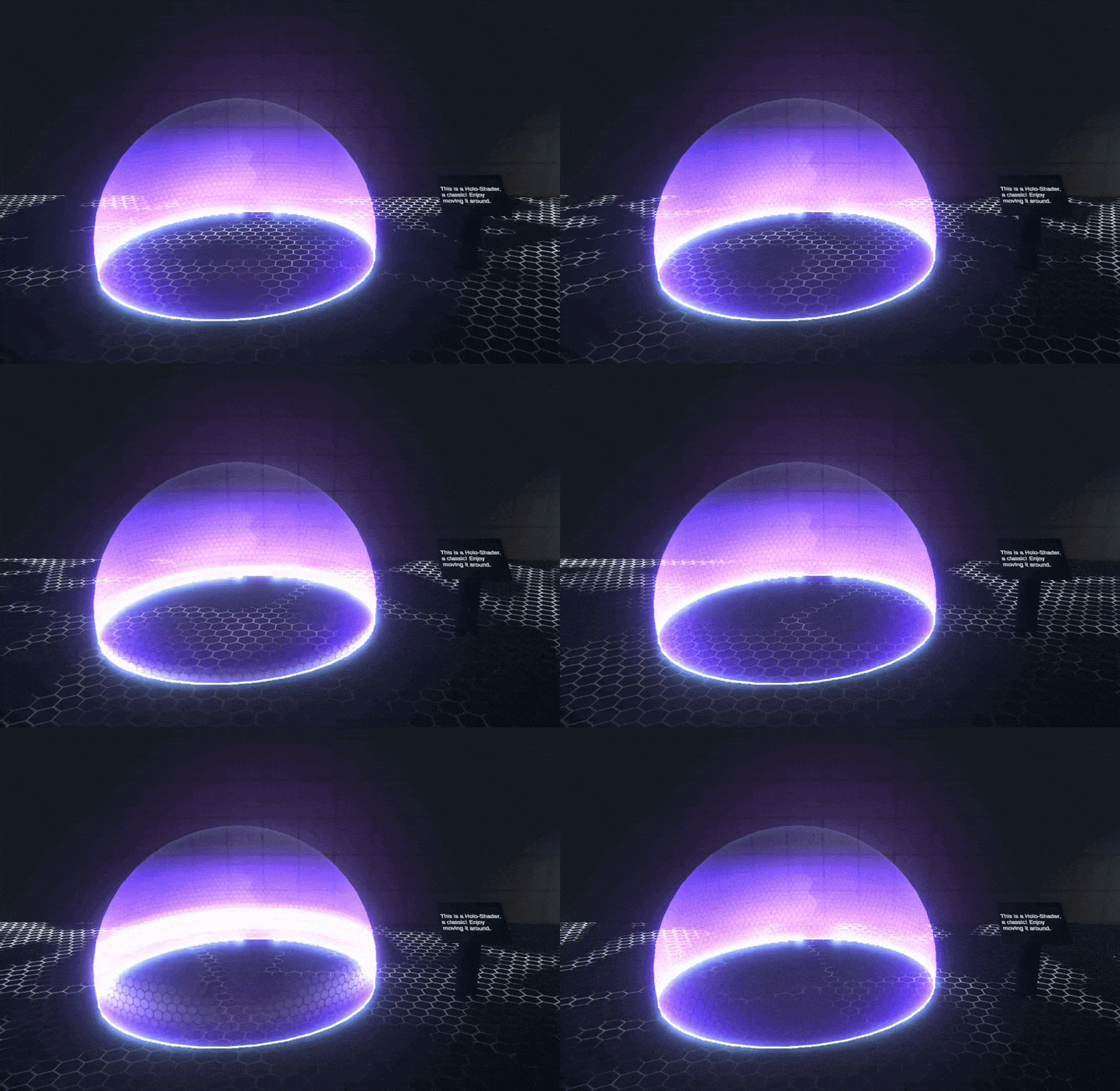
The Holo-Shader also got moved to the new Room, since it doesn’t really fit into the nature room.
Floor-Shader
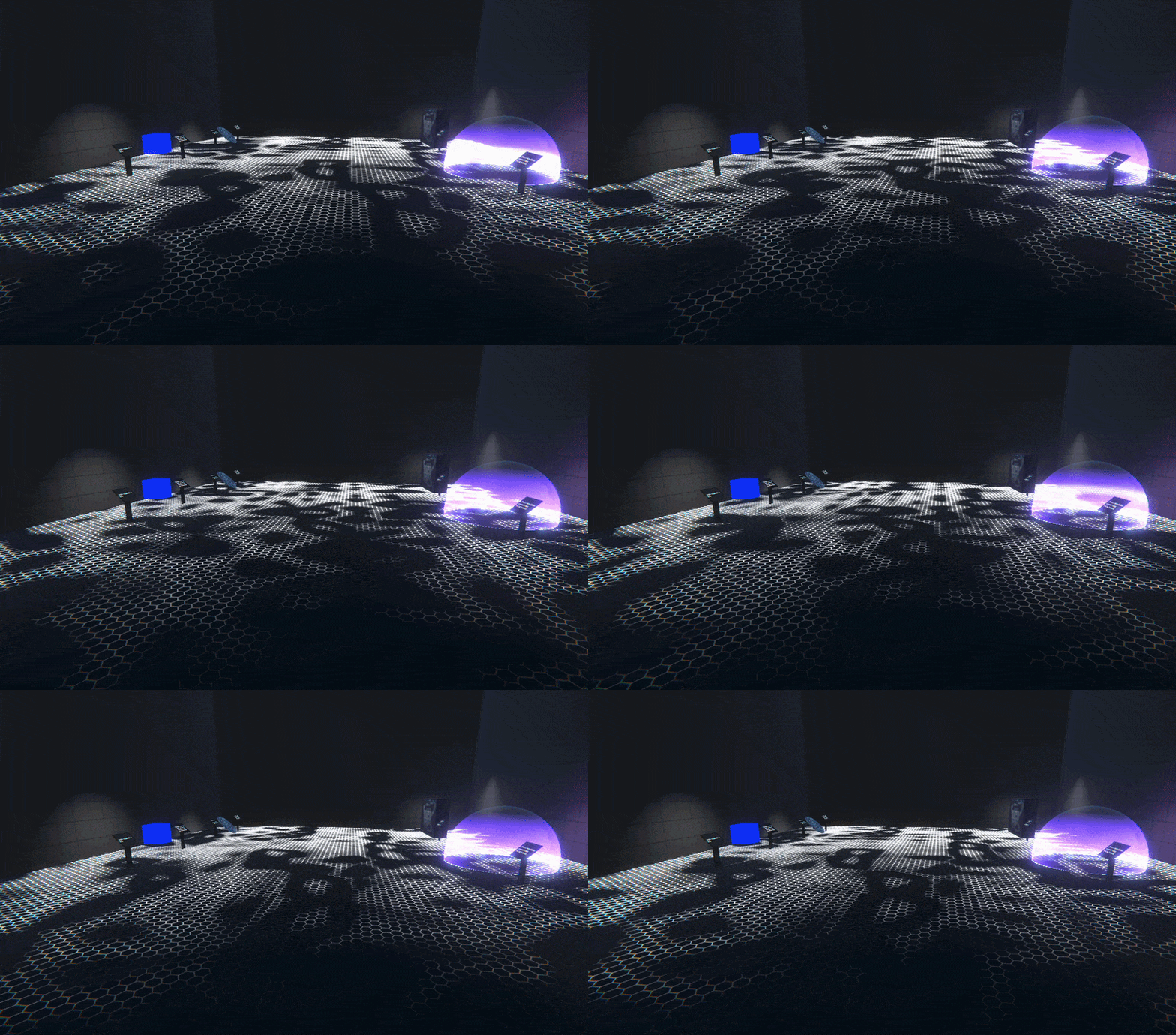
Of course, the floor of the new room also comes with a Shader, everything else would be boring! It’s a simple Noise-Shader paired with a hexagonal-Pattern I created with MaterialMaker. It also uses the Fresnel-Node, which allows the changing of the appearance, depending on where the player stands compared to the Shader.
Barrier-Shader
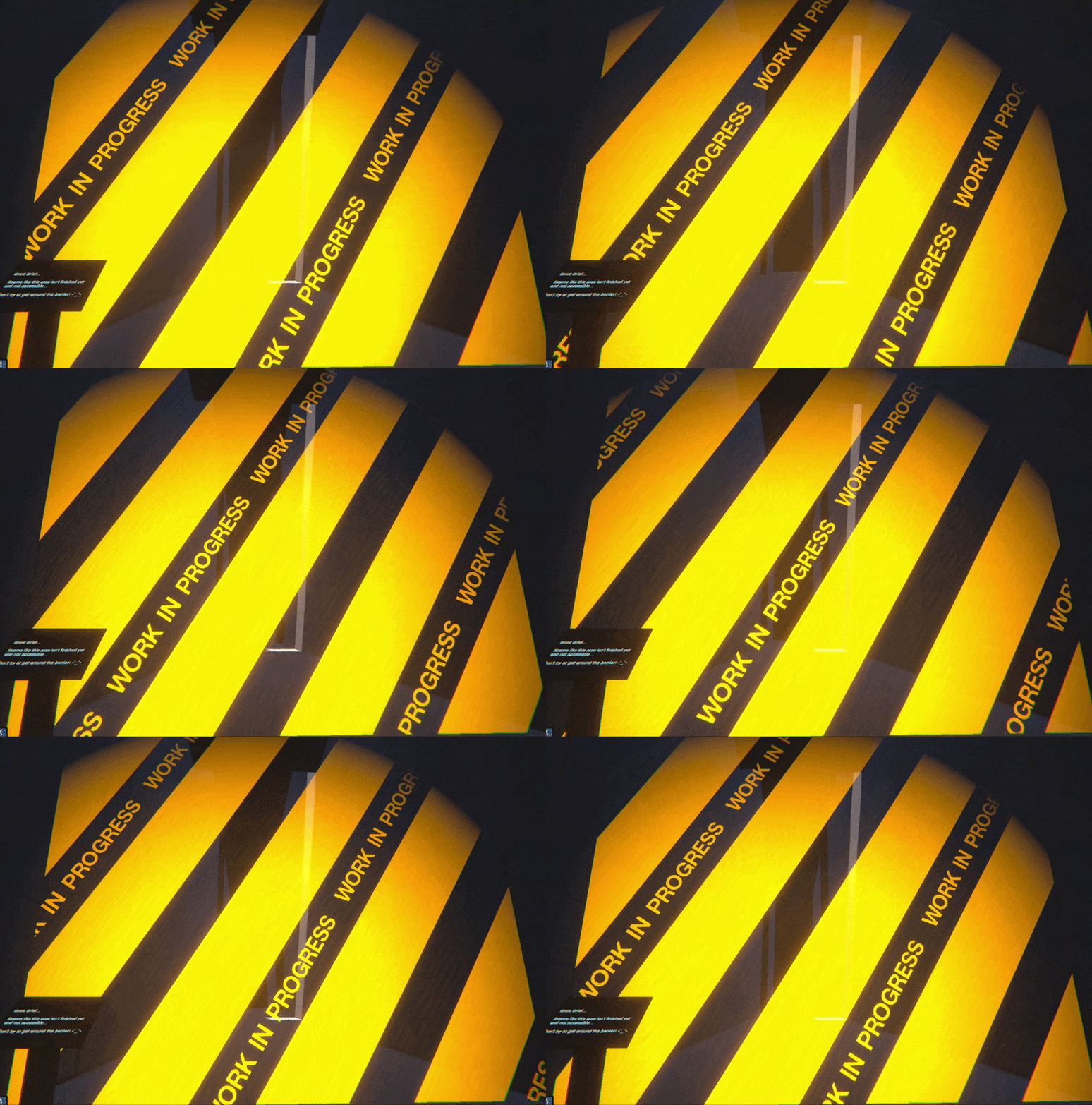
Last but not least, a small and simple Barrier I created to keep the player from entering the FORBIDDEN back-part of the museum. This area is strictly shut off and any attempt on entering it will be sanctioned! With that being said, some people say there is a way around it and that there is a secret hidden somewhere. But you didn’t hear it from me!
So that concludes basically what happens in the last few weeks, apart from everything else that had to be done of course 😉
Overall I can say that I learned a ton stuff about Shaders and VFX, which I surely will be using in the near future. I also learned a lot about how things can be optimized and the do’s and don’ts. Thank you for listening to my Ted talk, see you soon!
xoxo