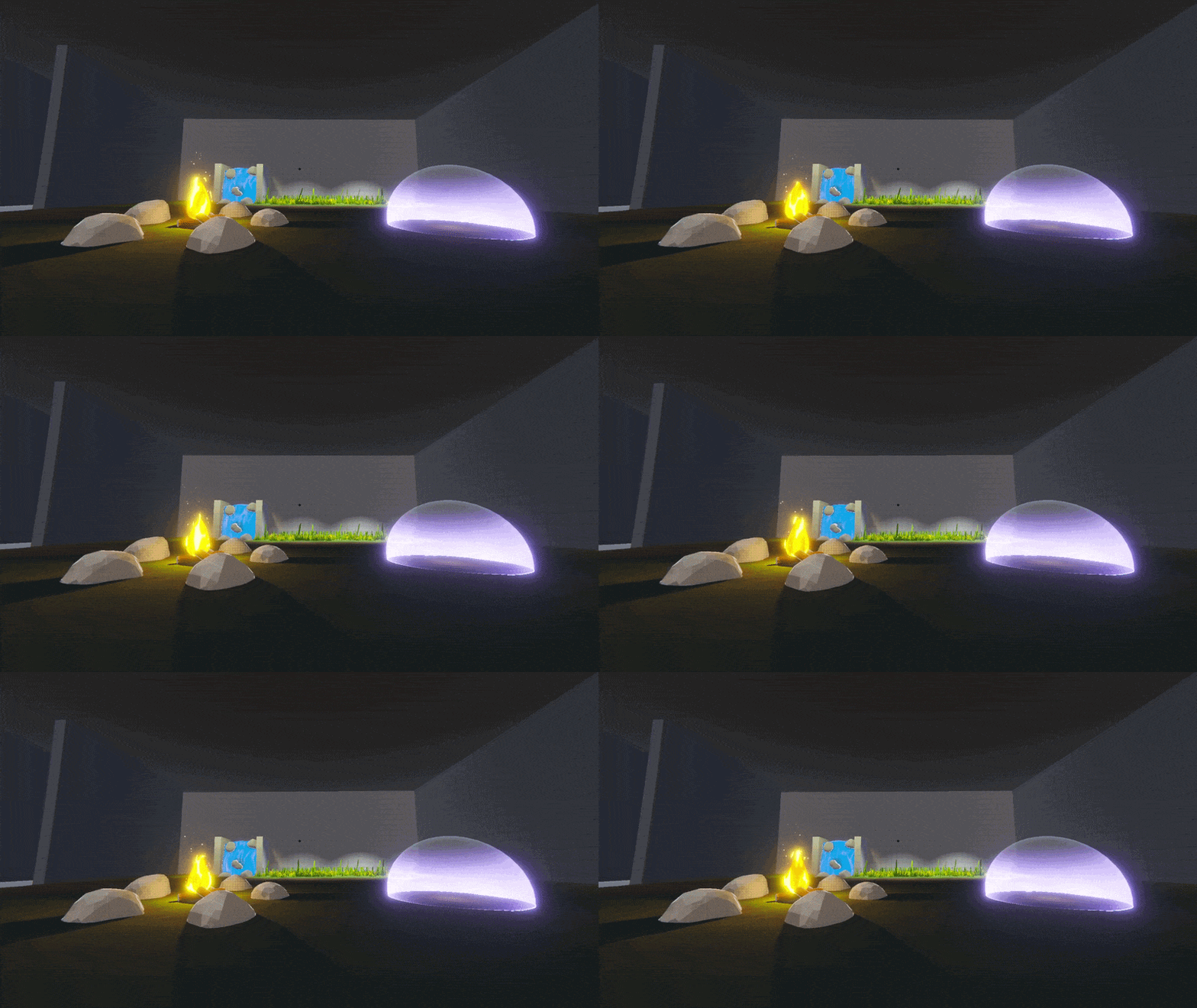
Shader Archive Week 5
Well… well… well… so Shaders huh?
So certainly a lot has happend, I wont go into detail what I learned in the last weeks, because I feel like I could fill a book about it and I think it’s better to just show you visually what I was up to.
Until now I have conceptualized and created about 5-6 Shaders, so roughly 1 per week. This might not seem like a lot, but I realized just how much time and knowledge it takes to create, stylize and tweak a Shader or VFX to your liking. I feel like the complexity and quality of my shaders are getting better and deeper, which might also just be the result of me knowing more about the topic and what is possible and what isn’t. SO, without further ado, here is what I created so far.
Waterfall
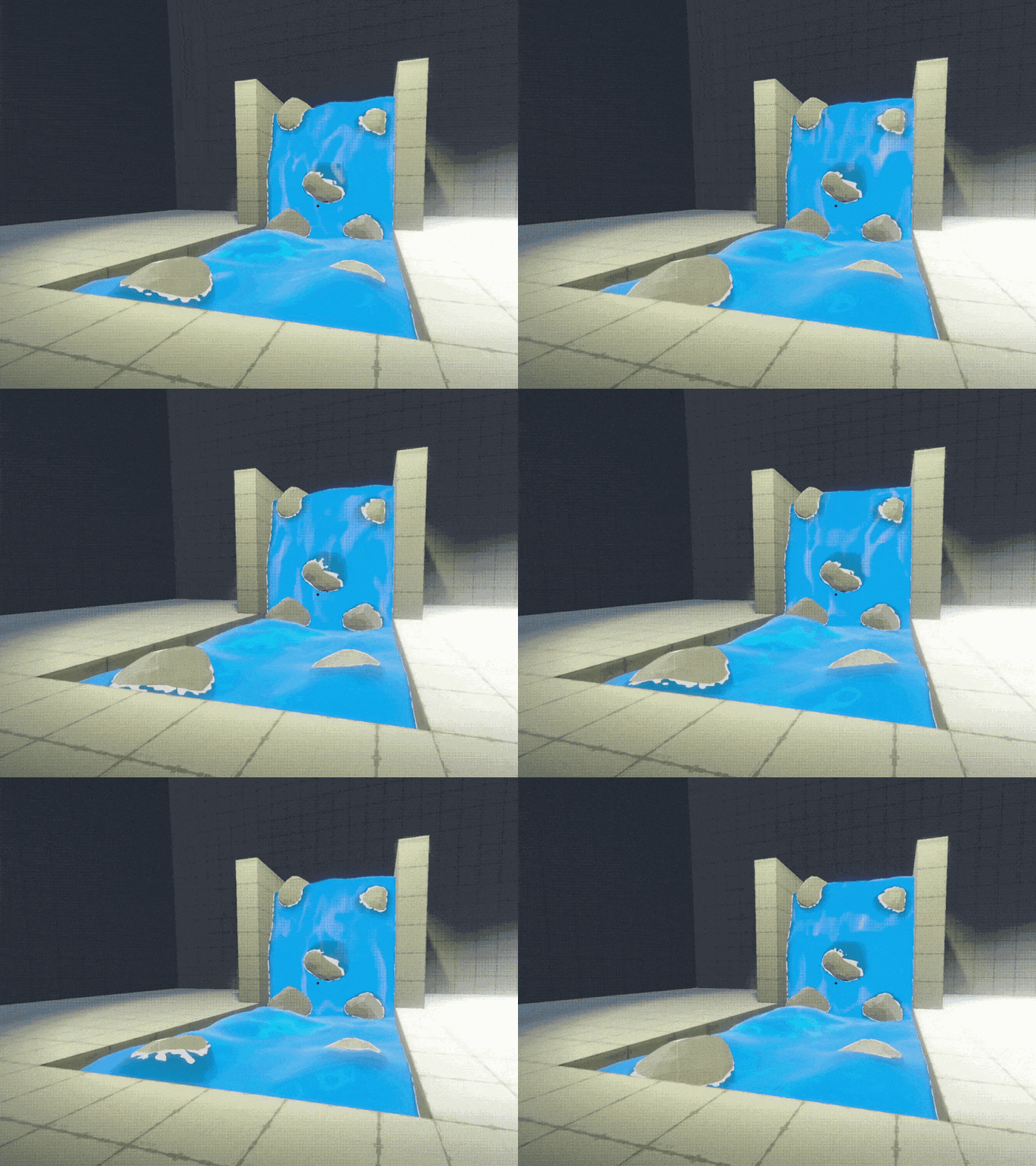
Until now I have probably watched more than 20 videos on how to create a waterfall shader. What’s interesting is, every Video has a different approach but the results seem kind of the same or at least comparable. This Shader contains a multitude of different techniques to create the illusion of flowing & interactable water. In the end I did a combination of Fragment and Vertex Shader to give it a small deformation to mimic water in real life. The Intersections (the white foam around the rocks) is a big part of Shaders in general and is used a lot.
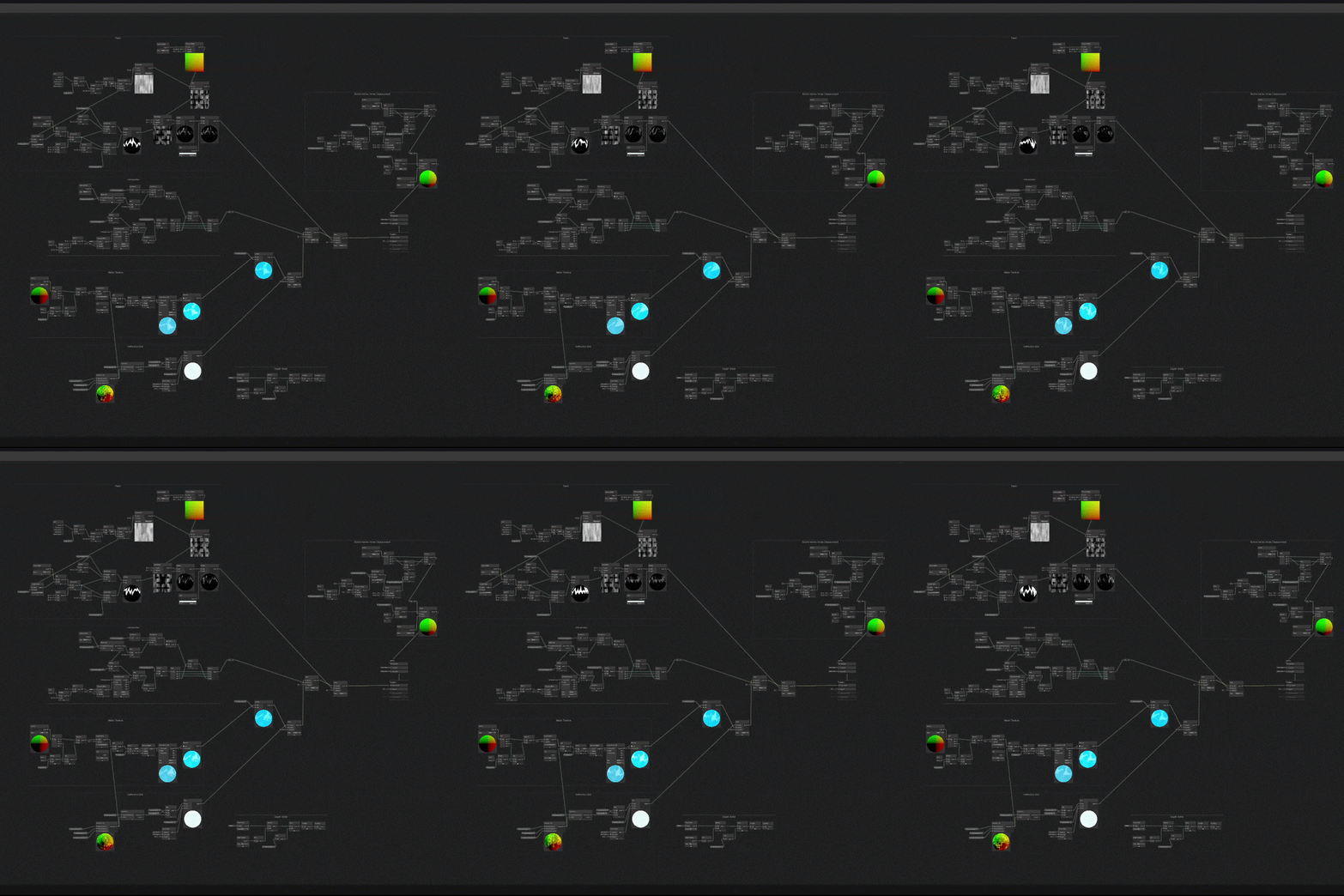
As you can see, the setup for the waterfall (or river) has gotten rather complicated, but I think also showing the Shader Graph help to understand a bit better why it has taken me a whole week to create 1 Shader from start to finish. 😉
Grass
The Grass-Shader is a combination between some Blender modeling, the terrain tool in Unity and ShaderGraph. The Shader I created can be used for both the simpler & smaller grass quad prefab (which works with some simple quads and a alpha mask that looks like grass) and the more complex and 3D-modeled Grass Detail Prefab (which is a 3D-Mesh and doesn’t have an alpha mask).
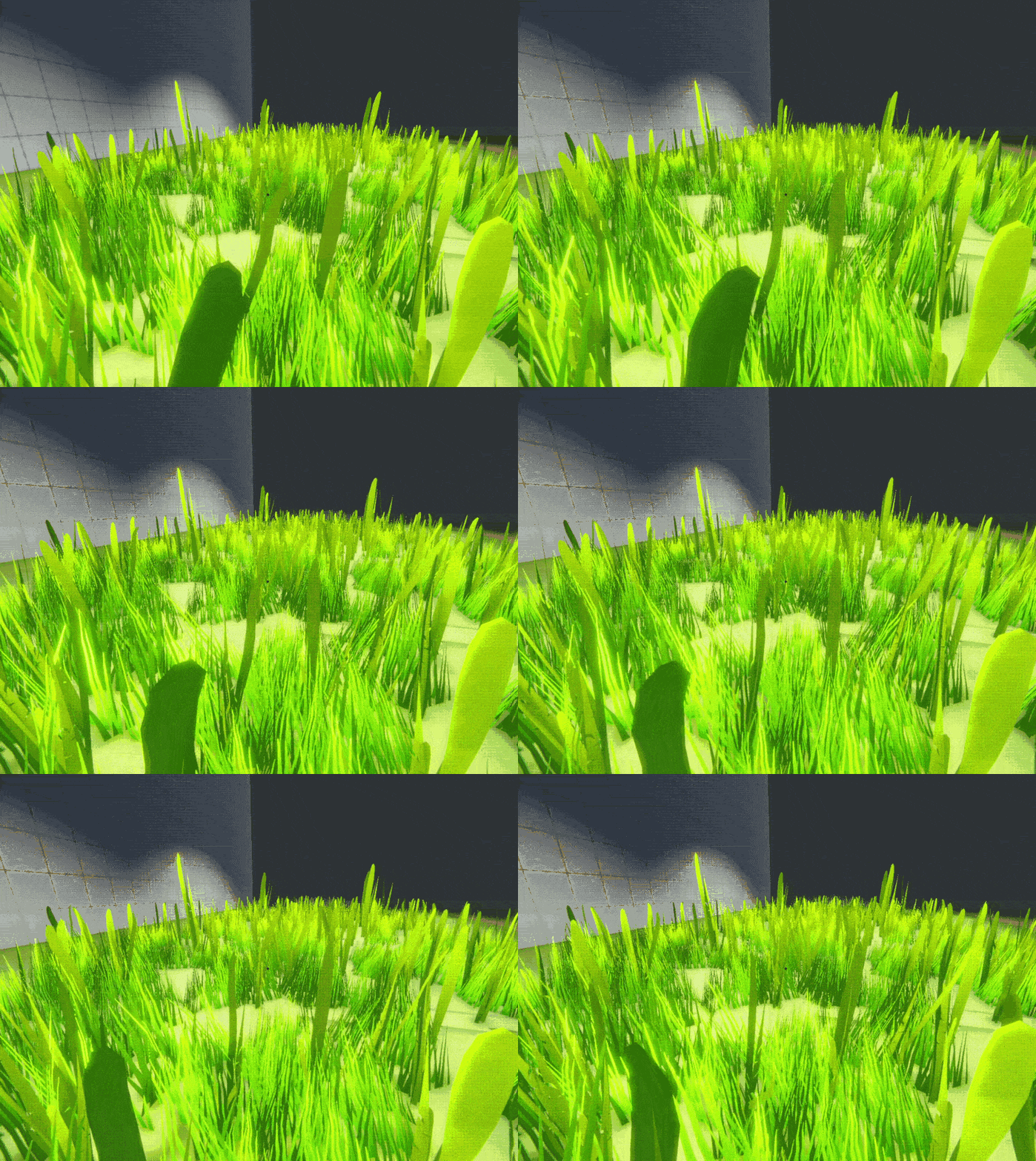
The Shader has a lot of color functionality, the shading works from bottom to top with different colors, aswell as from near to far (depending on the distance between player and grass mesh). I also added a VertexShader to make it look like the grass is swaying in the wind, which I am not completly happy with so I will probably make some further changes on that.
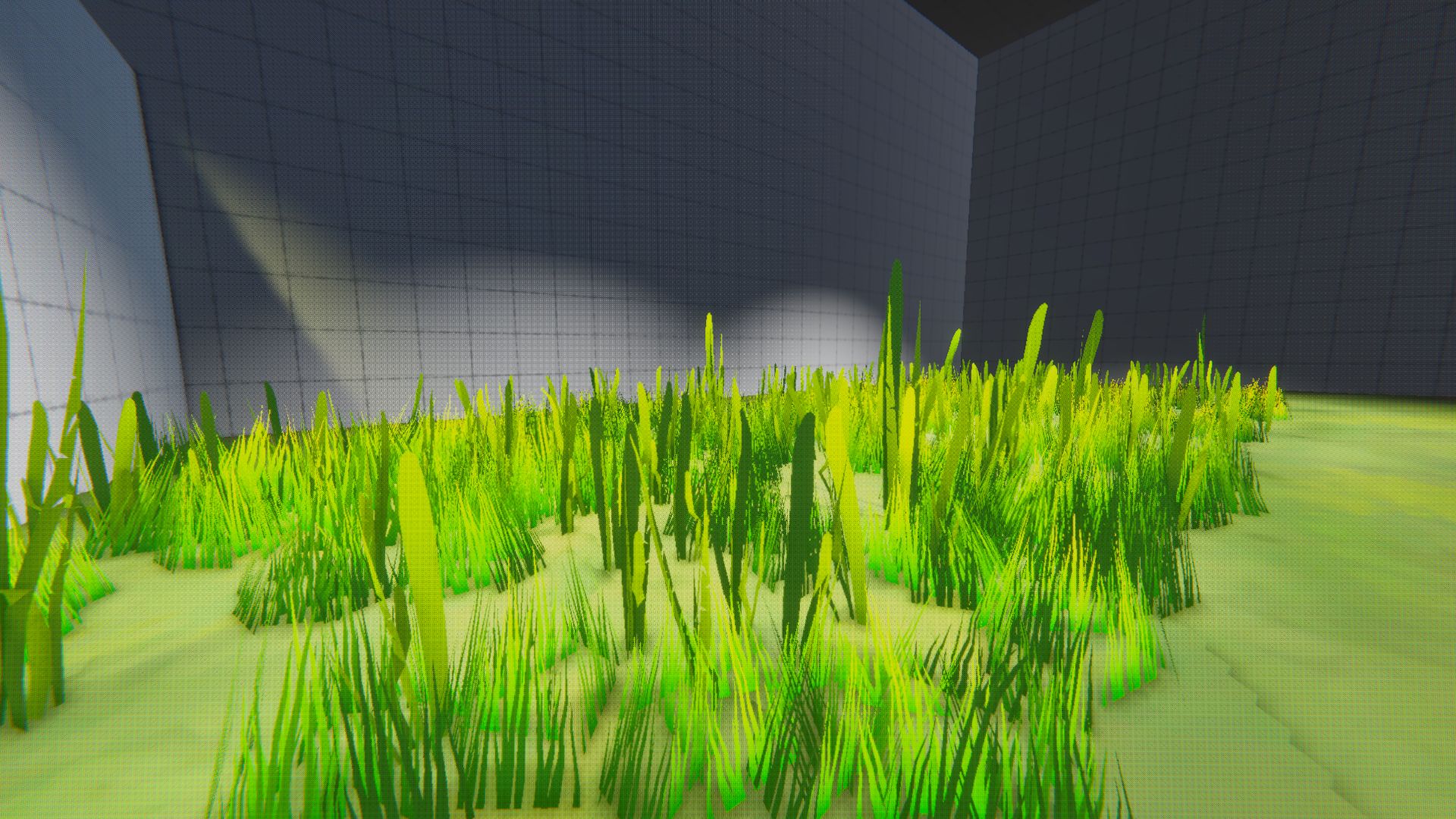
Lastly I also added the option to deform the Meshes when the player walks through the grass, that will probably also need some further work, because I am not happy with it yet. During the creation of this shader I also realized, that VertexShader can be quite a bit more complicated than FragmentShaders.
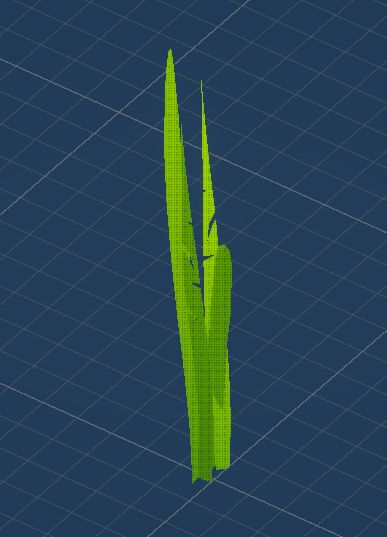
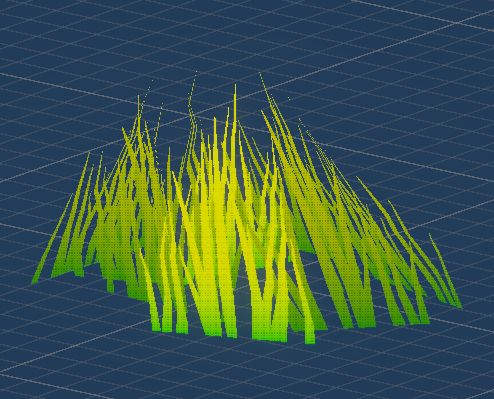
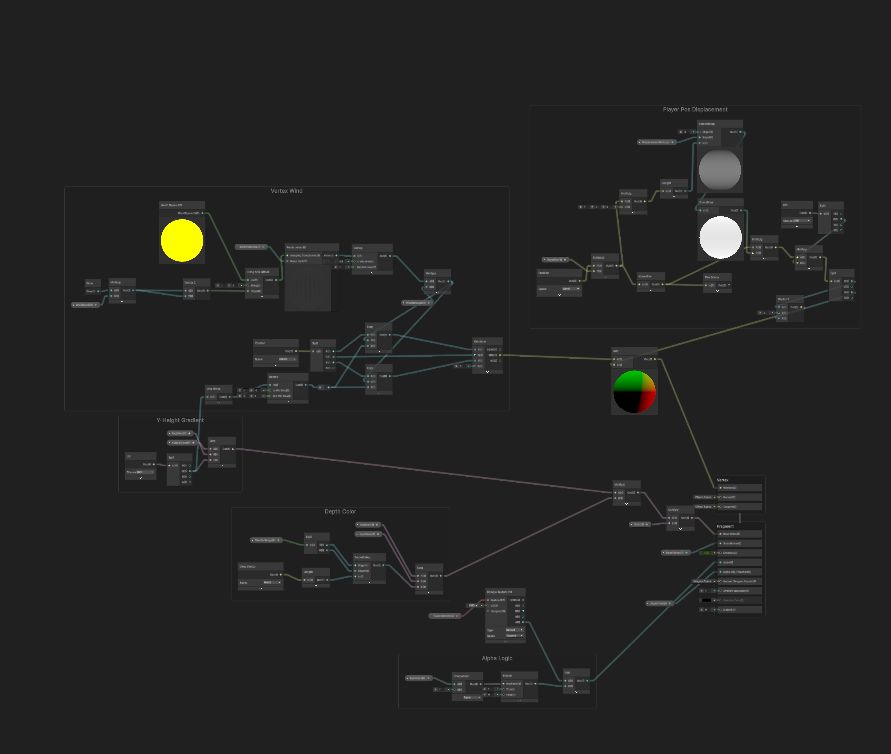
Also last but not least, this is my ShaderGraph setup for the GrassShader. It is a bit smaller than the WaterfallShader, but it still took a lot of time to get it to this point, especially the VertexShader.
Fireplace
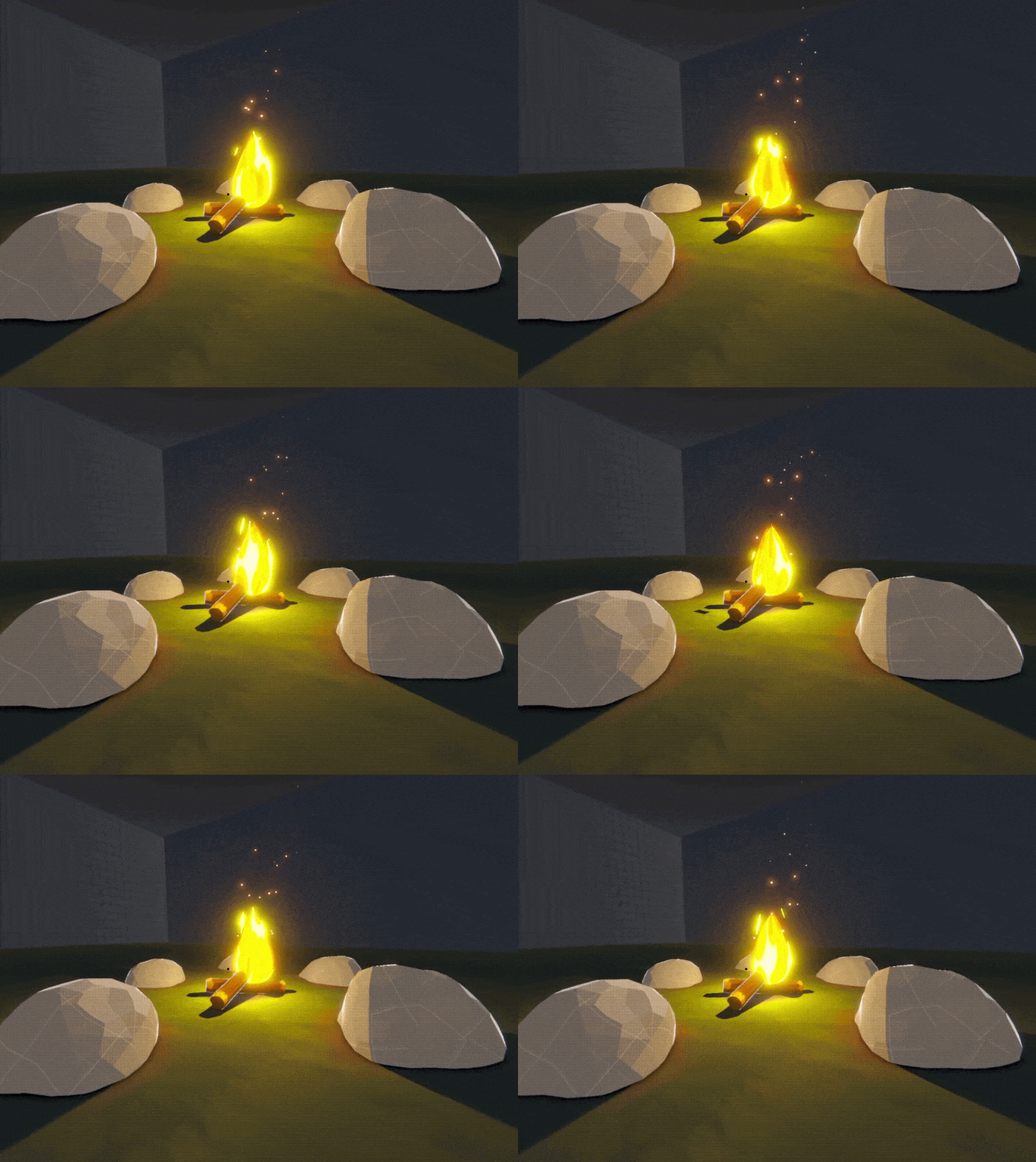
The Fireplace was my first introduction the the VFXGraph in Unity, which offers a LOT of options, especially in combination with the ShaderGraph. This has been a huge addition to my knowledge as a Technical Artist.
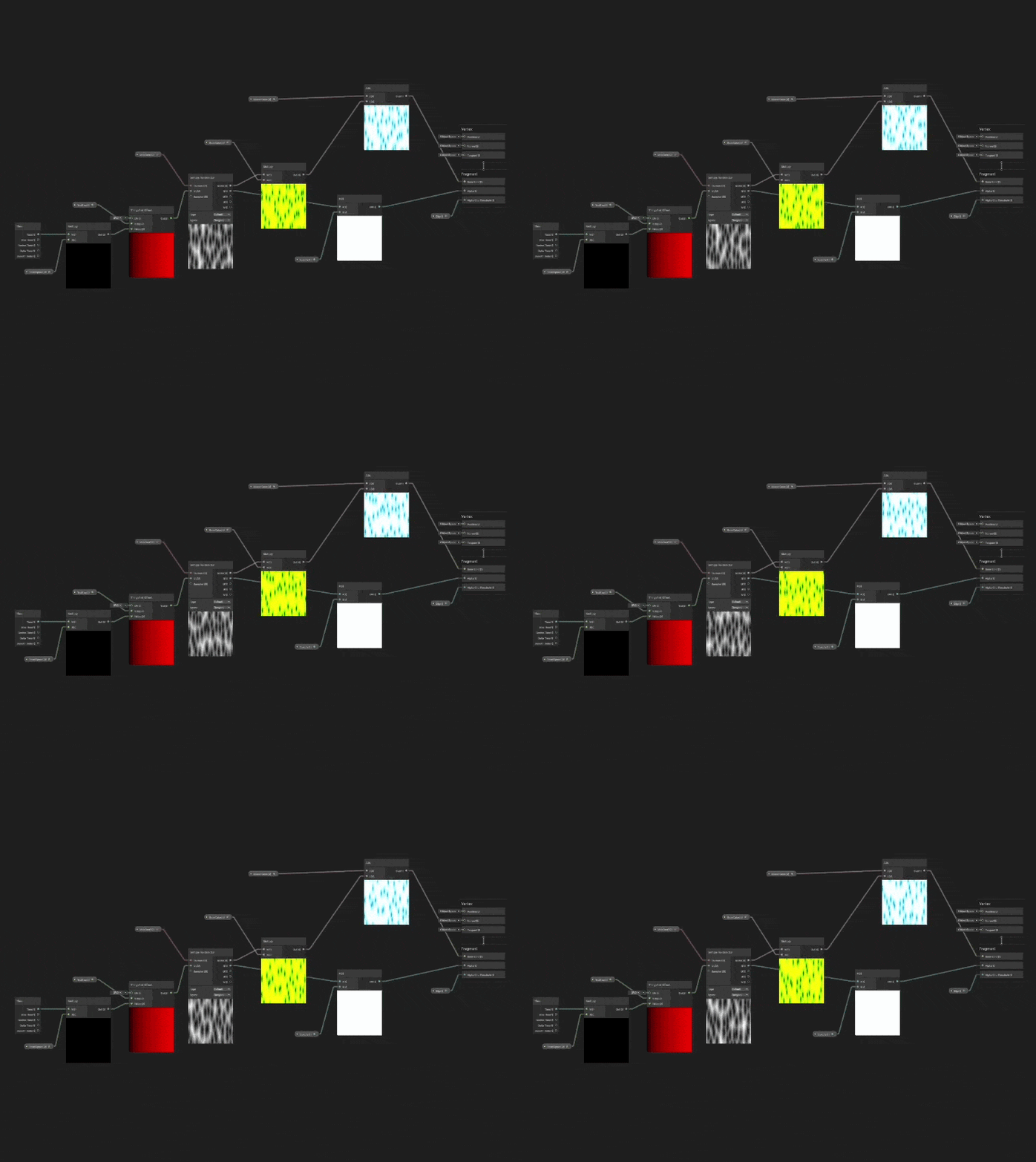
As you can see here, the setup for the ShaderGraph is really simple, just a Texture-Node, a Tiling and Offset-Node to add some movement and adding some color. Even though it is a simple setup, the changeable variables we defined offer all the functionality that we need to create a compelling VFX in the VFXGraph.
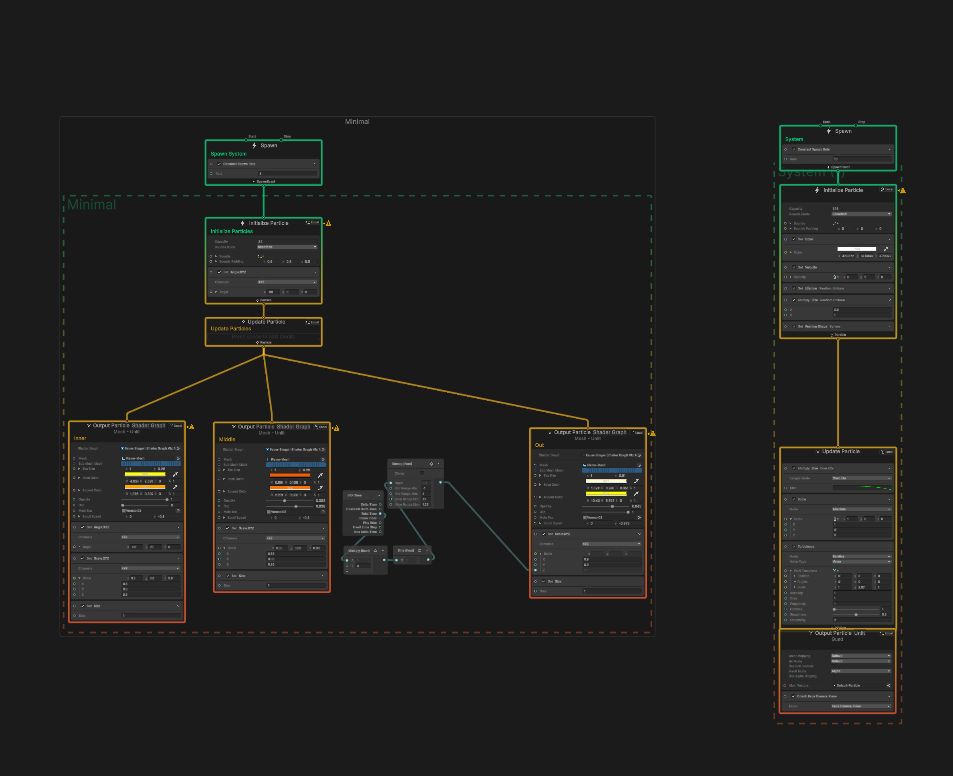
This is our VFXGraph-Setup, it creates a particle system that continiously spawns 1 particle over and over again. Because we can connect this to our ShaderGraph, the particle is animated and projected onto a mesh and thus creating a fire-like effect. To make it look better I instanced it 3 times with different values of speed and color.
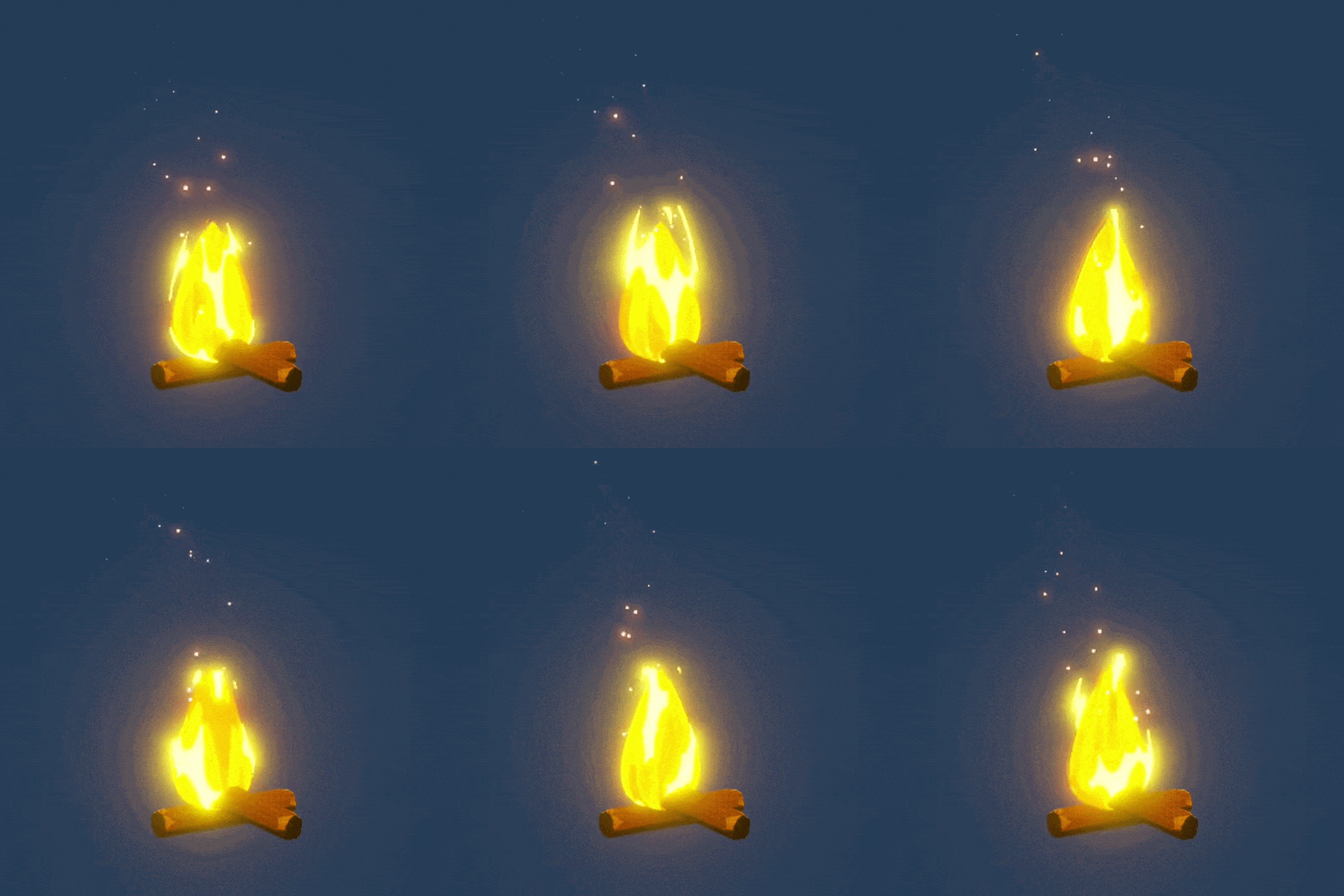
Lastly I added a point light for the dynamic shadows and a really simple particle system for the sparks that fly away from the fire.
Holo-Ball
Moving away from the more nature orientated shaders, I created a HoloShader. This type of Shader is used in a wide range of games, it can be seen for example in Overwatch, Rocket League or even some Shooter Games. For this Shader I used Material Maker, which is an open source Software to create Textures and Materials. I used it to create a hexagonal-pattern which I then put into the ShaderGraph.
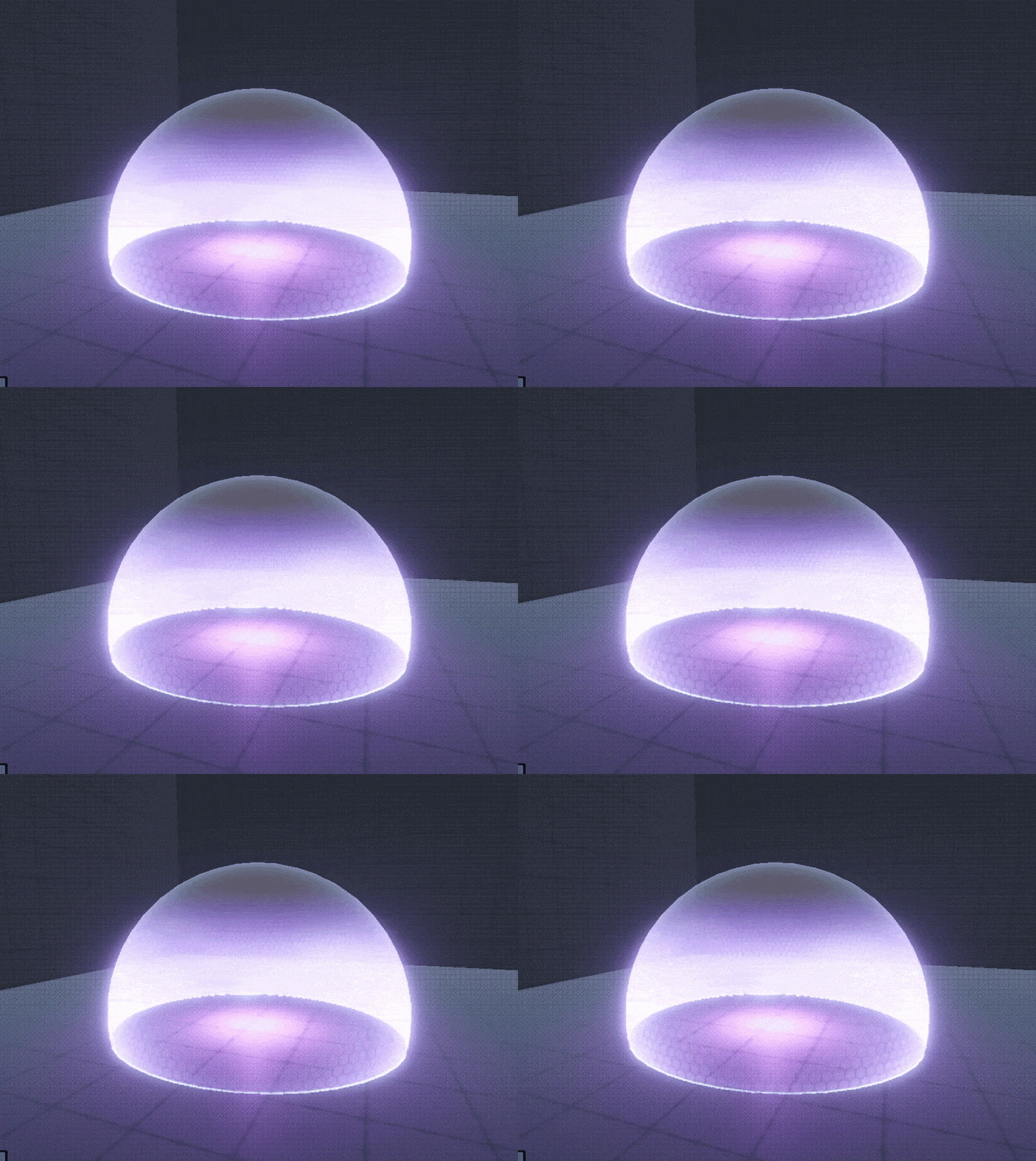
As seen in the ShaderGraph Setup, this is a mixture between the texture input, a fresnel node, a scanline, intersection calculation and some color multiplications.
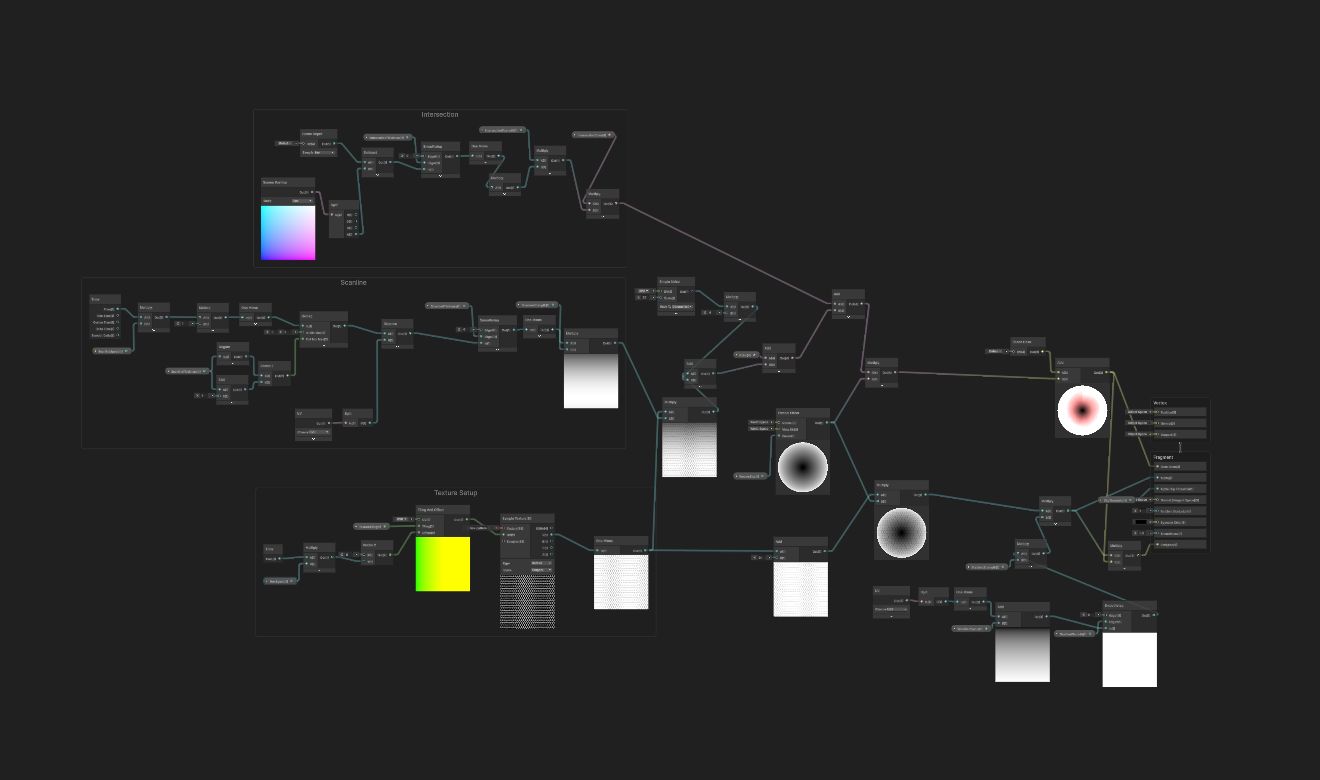
What proved difficult was the correct UV-unwrapping of the Sphere. I realized this while working with the texture, UV-Mapping is incredibly important for the correct display of Shaders.
Steel-Ball
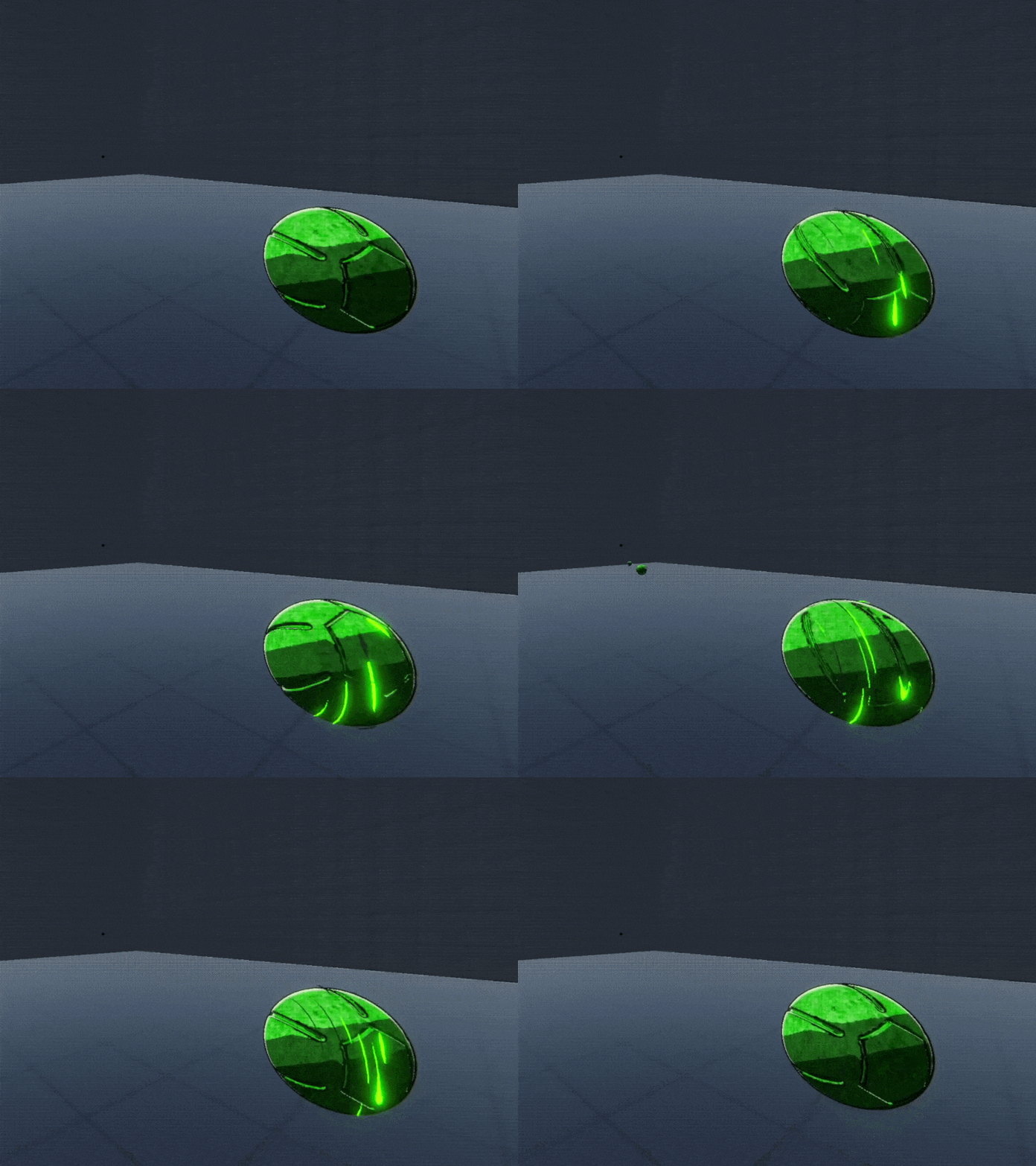
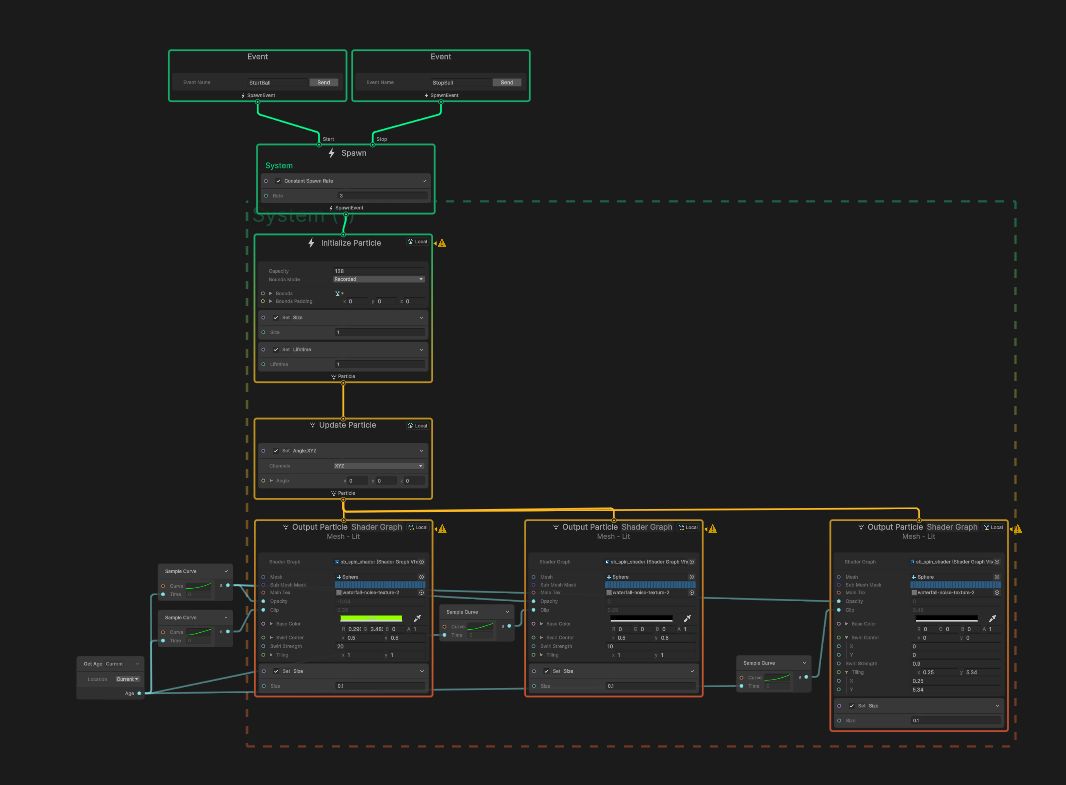
The last thing I made up until now is a small reference to a new Anime I quite enjoyed. In the anime those „steel balls“ are used as a tool or weapon to throw around and manipulate things. What I did was add a throwable prefab with some VFX Animations that Fade in and out when the right-mouse-button is pressed.
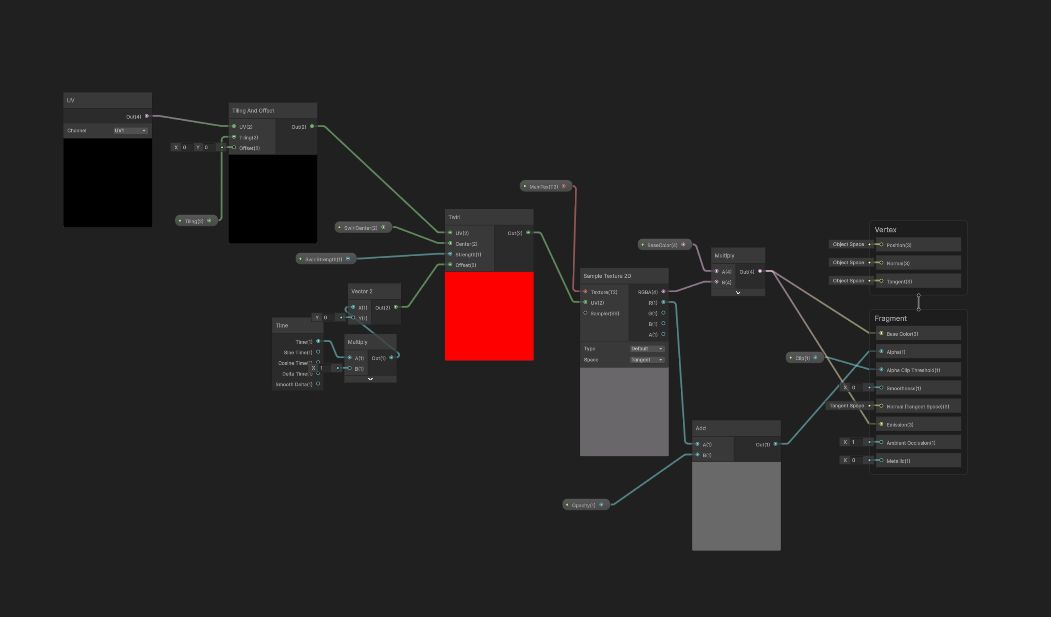
The ShaderGraph setup is rather simple and serves as a basis for creating the VFX-Effect. This compares a bit to the FireplaceShader where a similar technique was used.
The Shader gets put into the VFXGraph Output and the variables are changed through an Event that is activated through a Script. The same Output is layered in the same way the FireplaceShader was, with different Color and Clip values.
Conclusion
So, this concludes a bit of what I did in the last few weeks, what I left out was the whole interactability of things (which I also implemented) aswell as the whole lighting aspect and other customizations that are necessary to achieve the look I am going for. I am looking forward to creating more and flesh out the concept of my Musem / Archive as I go forward.
xoxo